
Guests who message a hotel usually want three things: is a room free on my dates, what will it cost, and can I trust this place. A one-tap chat link, a few saved replies, an honest away message and a clear route to book on your own site answer all three quickly. That is often the difference between a direct booking and a guest who books somewhere else.
Why do guests message a hotel instead of just booking?
Because they have a question the listing didn’t answer, and a chat feels quicker and more personal than a form or a phone call.
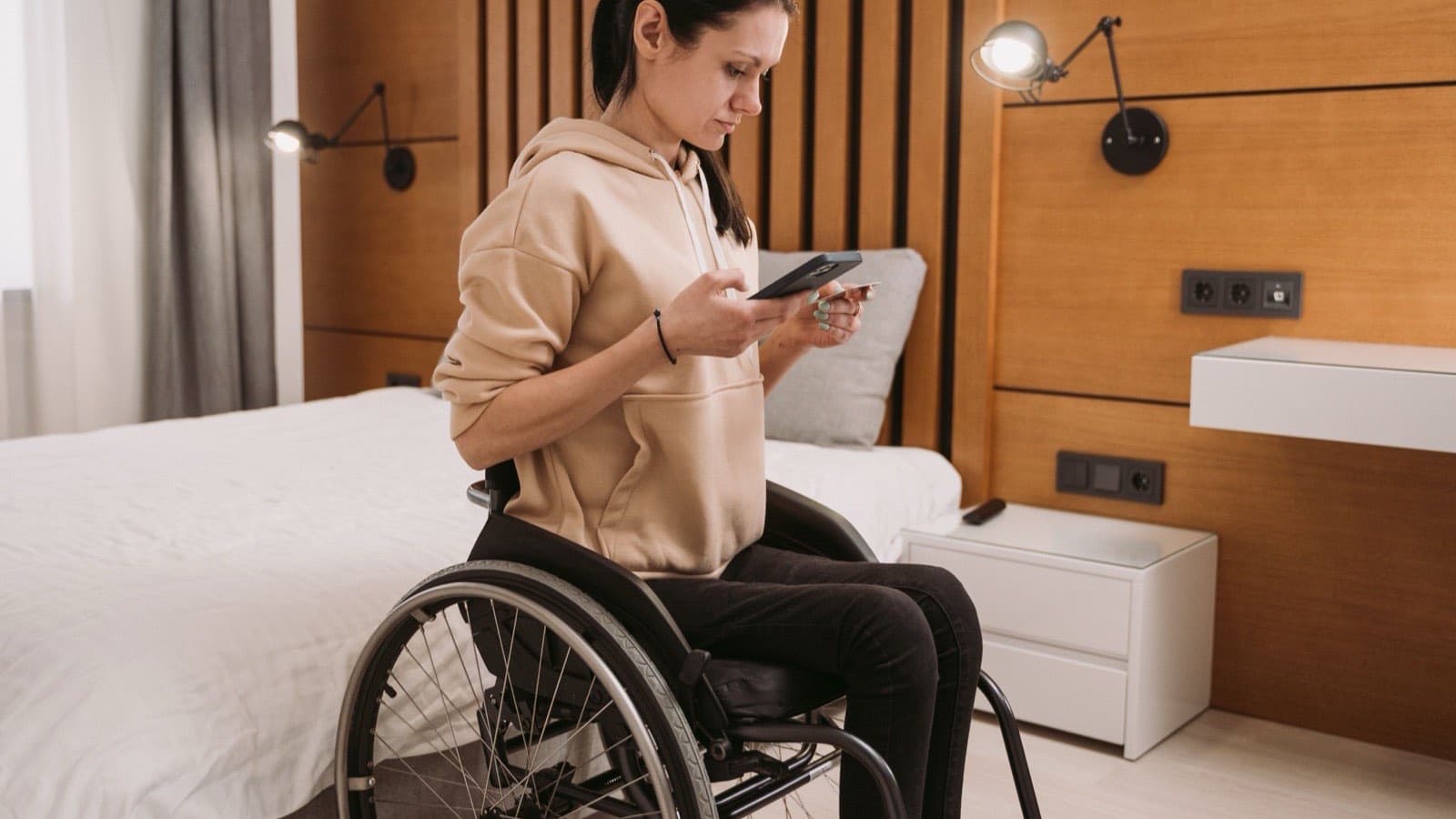
Think of a family planning a weekend near Durgapur, or a couple coming to Asansol for a wedding. They have found you, they like the photos, and they still want to ask something. Is there parking? Can we check in early? Is breakfast included? Do you have a room for four?
These are buying questions. The person asking is close to a decision. If the answer arrives quickly, you have a good chance of the booking. If it arrives the next afternoon, they have usually moved on to the next property in their search results.
The good news is that most hotel questions repeat. Once you write good answers to them, you can send them in seconds, in the same friendly voice, whoever is on duty at the desk.
How do guests start a chat in one tap?
Use a click to chat link. It opens a conversation with your number without the guest saving it first, and it can arrive with the first message already typed.
WhatsApp’s help centre explains the format: wa.me followed by your full number in international format, leaving out any zeroes, brackets or dashes [1]. Add a text parameter and the message appears ready in the guest’s text box [1]. A good starting line is “Hi, I’d like to check a room for these dates:”, so the first message already tells you what they need.
Put the link everywhere a guest might look: the top of your website, every room page, your Instagram bio, your Google profile and the booking confirmation email. On a website, a clear chat button that follows the platform’s brand guidelines tends to be recognised and trusted [1].
Our conversion and AI automation service sets this up across your website and profiles, with a different starting message for each room type or offer, so you can see which pages bring the most conversations.
What can the free WhatsApp Business app do on its own?
More than most hotels use. Greeting messages, away messages and saved quick replies cover a large share of everyday enquiries without any extra software.
A greeting message goes out automatically when someone messages you for the first time, and again when they write after fourteen days without a chat [2]. Use it to welcome the guest and ask for their dates and the number of people, so your team can reply with a real answer instead of another question.
Quick replies are shortcuts for the messages you send most often, and they can include photos and videos [3]. The app lets you store up to fifty of them [3], and it also creates default replies from your business profile, such as your hours and address [3]. Write one for each question you hear every week, and keep the tone warm. A saved reply should read like a person typed it.
An away message tells people you are busy or away from your phone, and you can schedule it to go out only outside business hours [4]. WhatsApp points out that it also reassures customers that they aren’t being ignored [4].
- Is a room free on my dates?Ask for dates and guests, then reply with the rooms and the rate.
- What does the room look like?Send photos and a short video of that room type.
- How do we reach you?Send the map pin and directions from the station.
- Check-in and cancellationSend the timings and the cancellation terms in plain words.
- Can we pay to confirm?Send the booking link on your own website.
What about messages that arrive at midnight?
Answer honestly. Say when a person will reply, and give the guest a way to book now if they don’t want to wait.
A good away message does three things. It thanks the guest, says when the team will be back, and shares the link to check live availability on your website. That way a late-night planner can still book without waiting for the morning.
Some hotels go further and use an automated assistant on the WhatsApp Business Platform to answer common questions at any hour. WhatsApp’s business policy allows automated replies while the conversation window is open, but it also requires a clear way to reach a human, such as a transfer to an agent, a phone number or an email address [5]. Keep that rule in mind. A bot that can’t hand over to a real person frustrates guests at exactly the wrong moment.
What are the rules for messaging guests?
Reply freely when a guest writes to you. Message people first only when they have agreed to hear from you, and stop as soon as someone asks.
WhatsApp’s business policy says you may contact people only if they have given you their number, and you need their permission to message them [5]. When a guest writes, a 24-hour customer service window opens, and it resets with each new message from them [5]. Inside that window you can reply normally. Outside it, businesses on the WhatsApp Business Platform may send only approved message templates [5].
The policy also says you must respect requests to block or opt out, whether they are made on WhatsApp or somewhere else [5]. In practice: don’t send festive offers to every number that ever asked about a room. Ask past guests at checkout whether they would like to hear about offers, note who said yes, and message only them.
How does WhatsApp help you win direct bookings?
It answers the last questions quickly and then sends the guest to book on your own site, where the booking and the guest relationship stay with you.
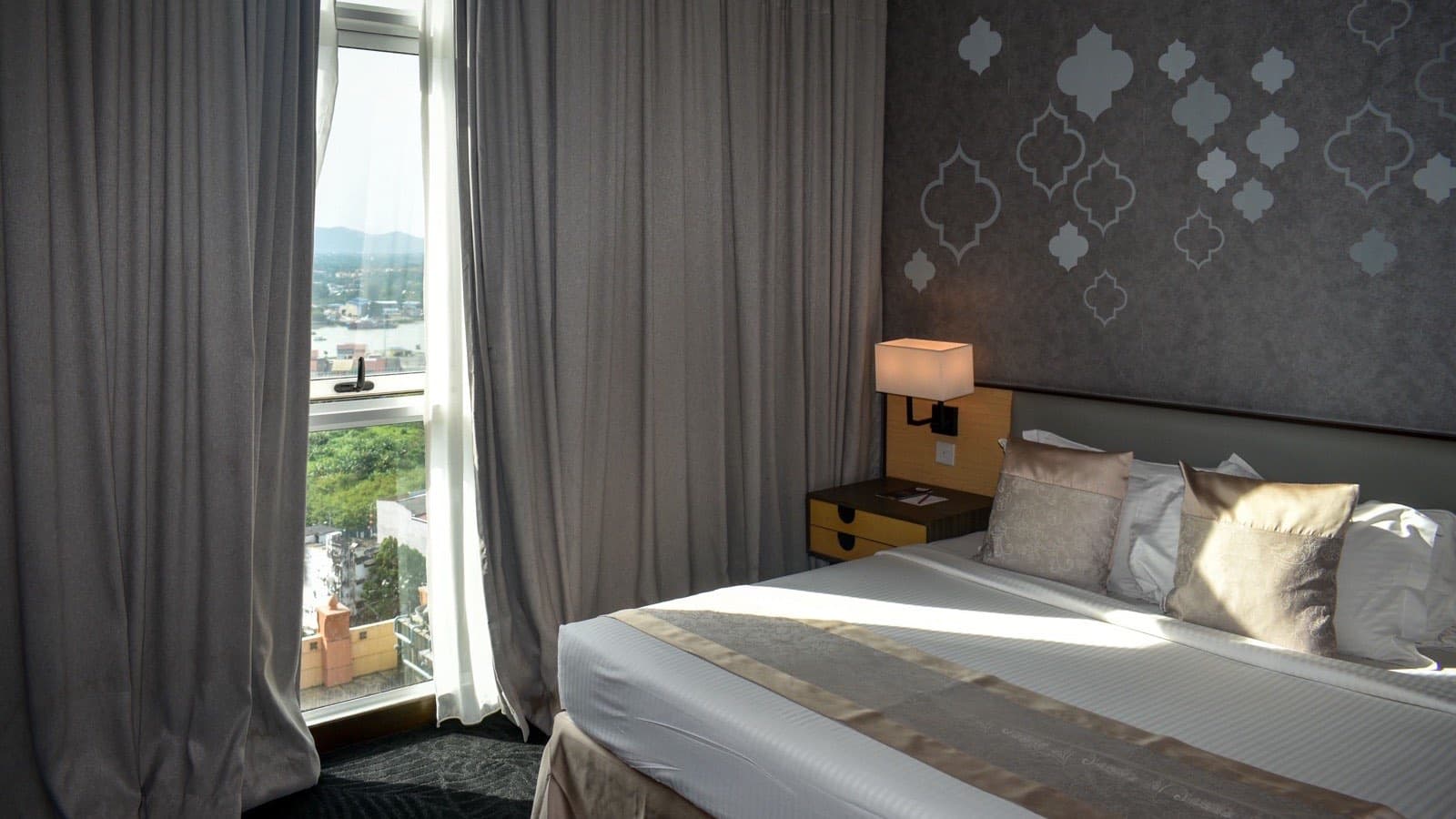
Every chat should end with a clear next step: a link to your booking engine with the dates filled in, or a simple way to pay and confirm. If your website makes that hard, the chat has done its work for nothing. Our website service builds room pages and booking paths that work well on a phone.
It also helps to be visible where guests compare prices. Google’s Hotel Center offers free booking links, which are unpaid listings, and hotel partners pay no fee for them [6]. If you use a reservation system, Google suggests asking your provider, as they can set the links up for you [6].
Then track what happens. Note which chats turned into bookings and where each guest first found you. The habits we built for PN Das Academy of Nursing, such as one-tap outcome logging and scripts in English, Hindi and Bengali, work just as well at a hotel desk. Our lead intelligence service sets up the same discipline for hospitality teams.
- FindThe guest finds you on Google, Instagram or your website.
- AskOne tap opens a chat with their dates already typed.
- AnswerYour team replies quickly with rooms, rates and photos.
- BookThe guest books and pays on your own website.
A checklist for your hotel’s WhatsApp this season
Set aside an hour with the person who answers the phone most often. They already know the questions guests ask.
Hotels across West Bengal are getting ready for the winter and wedding season now. If you’d like help setting this up, book a call and we’ll go through your enquiries with you.
- Switch to the WhatsApp Business app and complete your profile with hours, address and photos.
- Create a click to chat link with a ready-made first message, and add it to your website and profiles.
- Write a greeting message that asks for dates and the number of guests.
- Save quick replies for rates, rooms, directions, check-in times and cancellation terms.
- Schedule an away message that says when you’ll reply and links to live availability.
- Keep a list of guests who agreed to hear about offers, and message only them.
- Note which chats became bookings, every week.
FAQ
Is the WhatsApp Business app free for hotels?
Yes, the WhatsApp Business app is free to download and use. Greeting messages, away messages and quick replies are built in. Paid options only come in if you move to the WhatsApp Business Platform for larger-scale automation.
Can we send offers to everyone who ever messaged us?
No. WhatsApp’s business policy requires permission before you message people, and you must stop when someone asks. Ask guests whether they’d like to hear about offers, and keep a list of those who say yes.
Should a small hotel or homestay use a chatbot?
Not at first. Saved replies and a good away message cover most enquiries for a small property. A bot makes sense when the volume of messages is more than your team can answer quickly, and it must always offer a way to reach a person.
Should we reply in Bengali or Hindi?
Reply in the language the guest writes in where you can. Keep versions of your saved replies in English, Bengali and Hindi, so whoever is on duty can answer every guest clearly.
Will WhatsApp replace our booking engine?
No. WhatsApp is where guests ask questions. Your booking engine is where they confirm and pay. Every chat should end with a link to book on your own site.
Sources
- How to use click to chat, WhatsApp Help Center
- How to use greeting messages, WhatsApp Help Center
- How to use quick replies, WhatsApp Help Center
- How to use away messages, WhatsApp Help Center
- Business Policy, WhatsApp for Business
- About hotel free booking links, Google Hotel Center Help
How this article was made: researched and written by Ritam Ghosh of RIGZZ GROWTH, Asansol, with AI assistance, from the sources listed above. Every figure links to its source. Spotted something wrong? Email admin@rigzz.com and we'll correct it.